> For the complete documentation index, see [llms.txt](https://docs.myshell.ai/llms.txt). Markdown versions of documentation pages are available by appending `.md` to page URLs; this page is available as [Markdown](https://docs.myshell.ai/launchpad/trade-agent-tokens.md).
# Trade Agent Tokens
## Agent Token Lists
There are 3 tabs on Shell Launchpad
* **My Portfolio**: demonstrate the agent tokens owned by your wallet
* **Graduated**: display all the agent tokens pumped to DEXs
* **Pumping**: showcase all the agent tokens still in pumping progress
You may choose a token to trade from the lists above.
## Detailed Information and Trading
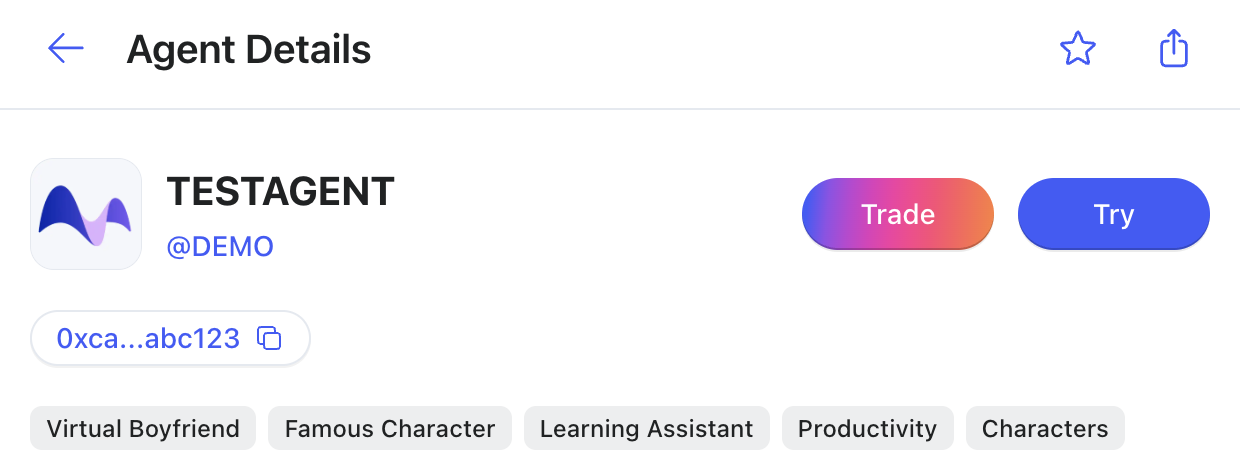
In the detailed information page of an agent token, you will see:
You can copy the Contract Address by clicking the copy button.
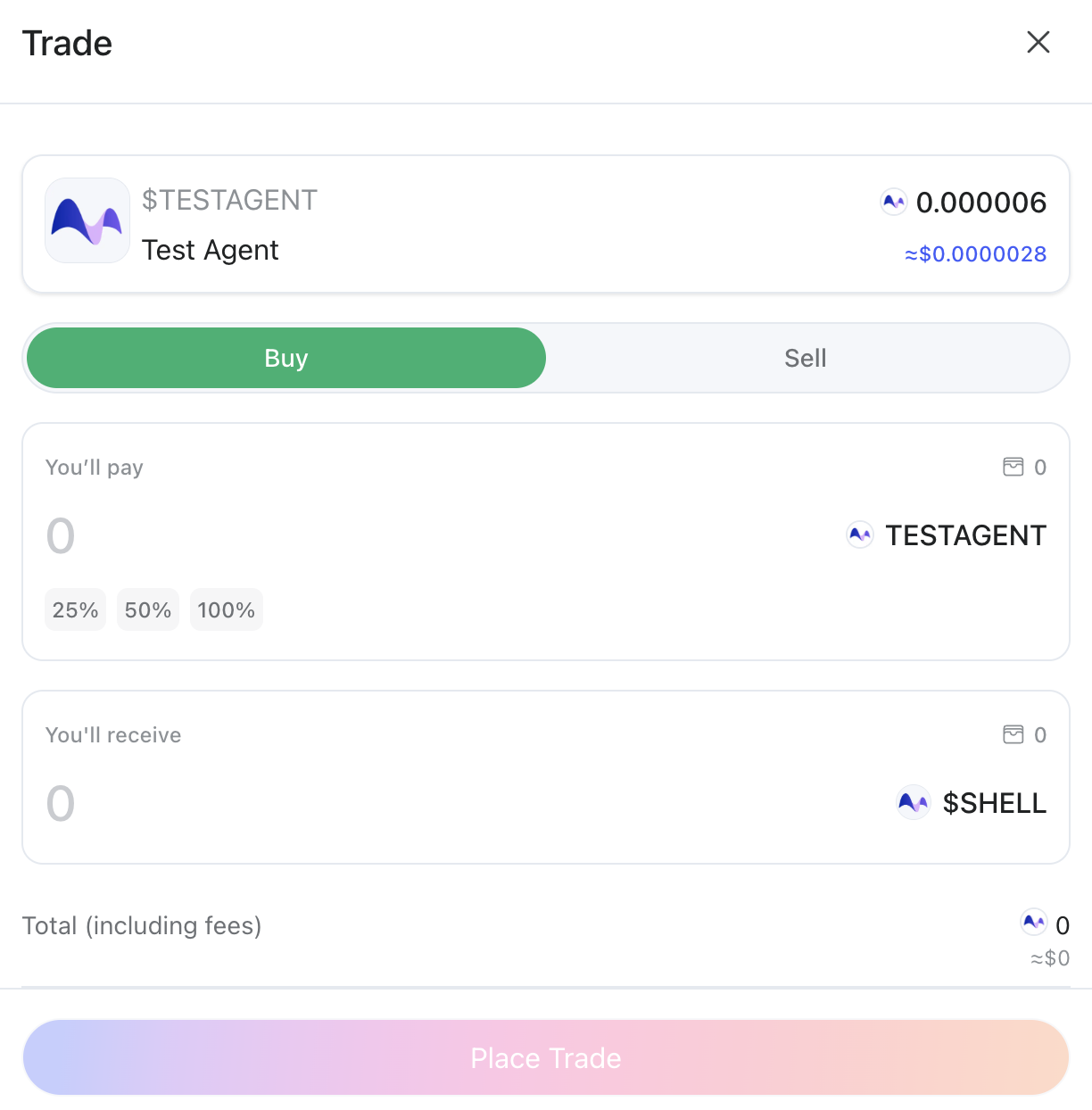
You can also buy or sell a certain amount of the agent token via $SHELL or $BNB by clicking the **Trade** button.
## Charting Feature
We use TradingView to power our real-time charts for Shell Launchpad. TradingView is a popular charting platform for traders and investors, attracting more than 100M+ users worldwide. It provides Supercharts, leading [screener](https://www.tradingview.com/screener/) functions, and more advanced market analysis tools.
Their integration ensures accurate price tracking, smooth chart interactions, and a professional visual standard that meets the expectations of our users. We're grateful to TradingView for offering their charting solution through a special license agreement.