> For the complete documentation index, see [llms.txt](https://docs.myshell.ai/llms.txt). Markdown versions of documentation pages are available by appending `.md` to page URLs; this page is available as [Markdown](https://docs.myshell.ai/ko/launchpad/undefined-1.md).
# 에이전트 토큰 거래
## 에이전트 토큰 목록
Shell 런치패드에는 3개의 탭이 있습니다:
* **내 포트폴리오**: 지갑이 소유한 에이전트 토큰을 표시합니다.
* **졸업**: DEX로 펌핑된 모든 에이전트 토큰을 표시합니다.
* **펌핑 중**: 펌핑 진행 중인 모든 에이전트 토큰을 보여줍니다.
위 목록에서 거래할 토큰을 선택할 수 있습니다.
## 상세 정보 및 거래
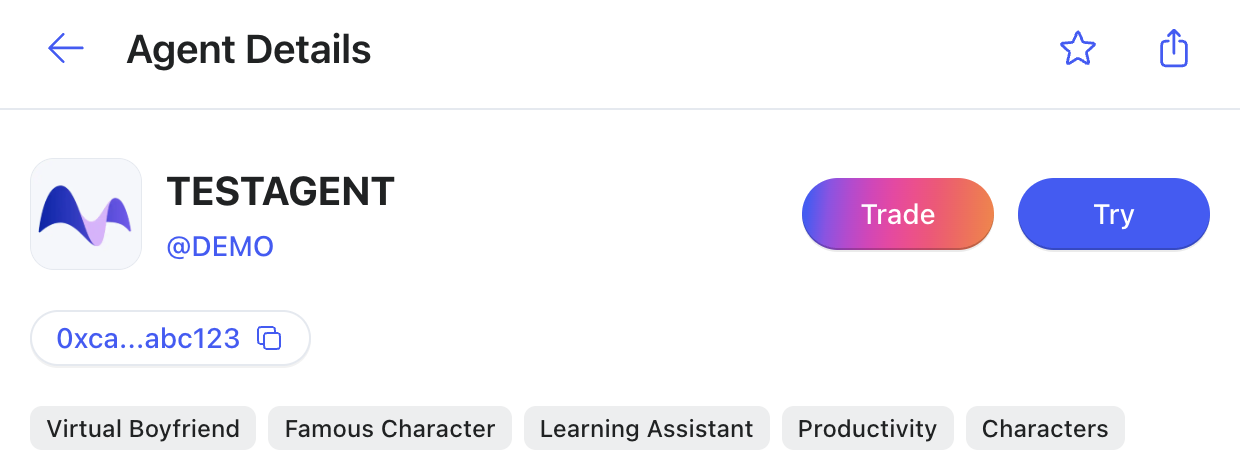
에이전트 토큰의 상세 정보 페이지에서는 다음과 같은 내용을 볼 수 있습니다:
복사 버튼을 클릭하여 Contract Address를 복사할 수 있습니다.
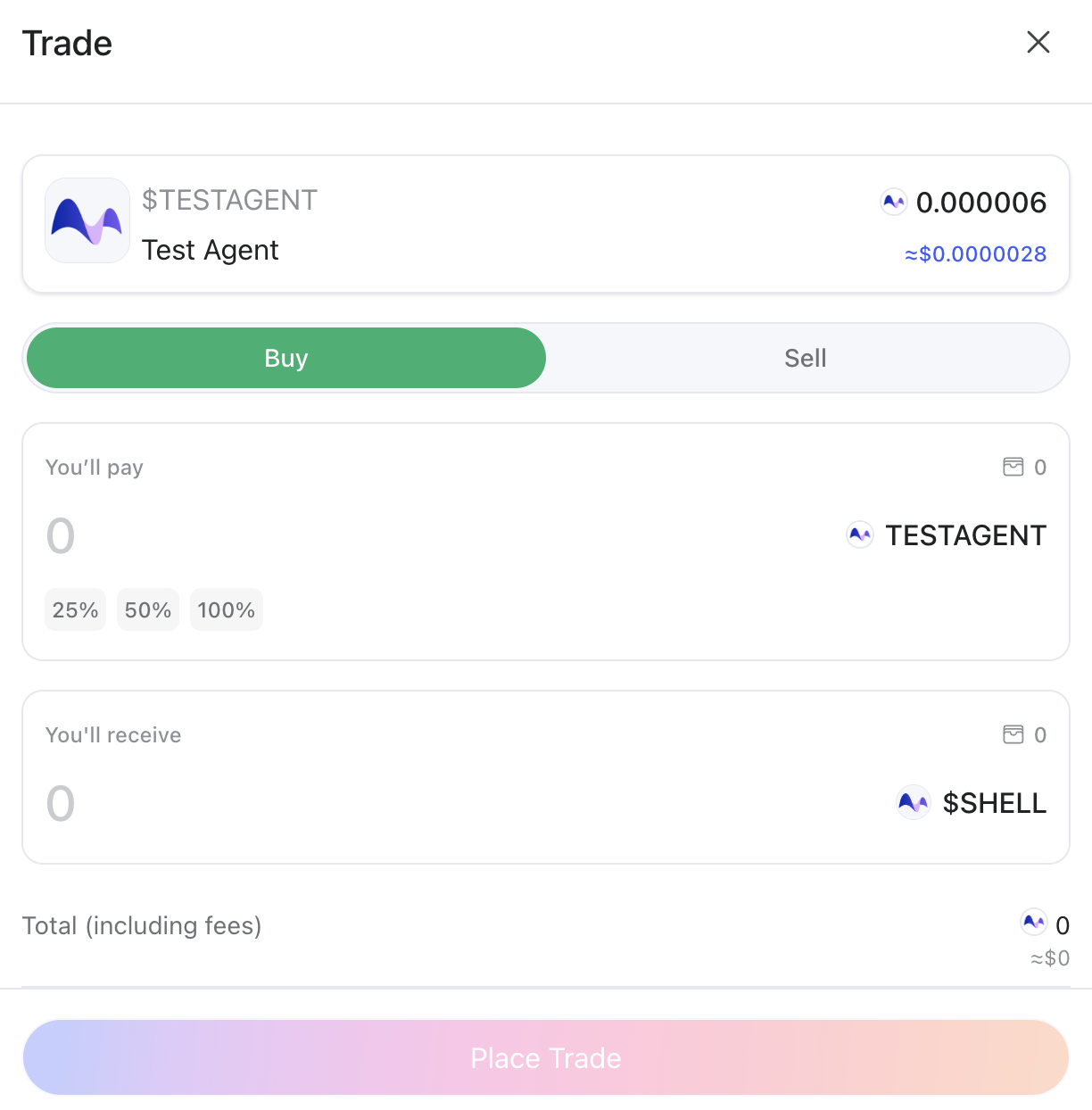
또한 Trade 버튼을 클릭하여 $SHELL 또는 $BNB로 특정 수량의 에이전트 토큰을 구매하거나 판매할 수 있습니다.
## 차트 기능
Shell 런치패드의 실시간 차트는 TradingView 를 통해 제공됩니다. TradingView 는 전 세계 1억 명 이상의 사용자에게 사랑받는 인기 있는 차트 플랫폼으로, Supercharts, 선도적인 스크리너 기능, 그리고 더 진보된 시장 분석 도구를 제공합니다.
그들의 통합은 정확한 가격 추적, 부드러운 차트 상호작용, 그리고 사용자 기대에 부합하는 전문적인 시각적 표준을 보장합니다. 특수 라이선스 계약을 통해 차트 솔루션을 제공한 TradingView 에 감사드립니다.