> For the complete documentation index, see [llms.txt](https://docs.myshell.ai/llms.txt). Markdown versions of documentation pages are available by appending `.md` to page URLs; this page is available as [Markdown](https://docs.myshell.ai/ko/create/pro-config-mode/api-reference/widgets/25-stable-diffusion-transform.md).

# Stable Diffusion Transform

## Try it in the Widget Center

Click this [url](https://app.myshell.ai/robot-workshop/widget/1782389162088411136) to try this widget and copy the Pro Config template.

## Usage

Transform images using the specified model ID from Civitai. With the provided prompt and model, enable the transformation of images based on the initial image.

**Input Parameters**

<table><thead><tr><th>Name</th><th>Type</th><th>Description</th><th>Default</th><th data-type="checkbox">Required</th></tr></thead><tbody><tr><td>image</td><td><code>string</code></td><td>The input image, can be a url or base64 sting</td><td></td><td>true</td></tr><tr><td>model</td><td><code>string</code></td><td>The model id from civitai (SD1.5, SDXL 1.0, PlaygroundV2). How to get it? Click on a model page on civitai, and copy the series number within the download link.</td><td>64094</td><td>true</td></tr><tr><td>prompt</td><td><code>string</code></td><td>The text prompt for image transformation. Add lora? add &#x3C; lora:$id:$weight > to your prompt. `$id` is the series number and `$weight` is the lora weight you want (always set to 1.0). You can use multiple loras.</td><td></td><td>true</td></tr><tr><td>negative_prompt</td><td><code>string</code></td><td>The negative prompt for image transformation.</td><td>(worst quality, low quality:1.4),(malformed hands:1.4),(poorly drawn hands:1.4),(mutated fingers:1.4),(extra limbs:1.35),(poorly drawn face:1.4),bad leg,strange leg, poor eyes, full screen of face</td><td>false</td></tr><tr><td>sampler</td><td><code>string</code></td><td>Sampler for diffusion model inference</td><td>DPM++ 2M</td><td>false</td></tr><tr><td>resize_mode</td><td><code>string</code></td><td>Four modes for output shape calculation: (1) Keep: keep original shape, (2) Certain: based on input width/length (divisible by 32), (3,4) min/max ratio: keep aspect ratio, the resize factor is the min/max of (h/H, w/W).</td><td>certain</td><td>false</td></tr><tr><td>height</td><td><code>integer</code></td><td>Height of the transformed images</td><td>512</td><td>false</td></tr><tr><td>width</td><td><code>integer</code></td><td>Width of the transformed images</td><td>512</td><td>false</td></tr><tr><td>steps</td><td><code>integer</code></td><td>Steps for sampler to step whle sampling</td><td>25</td><td>false</td></tr><tr><td>cfg_scale</td><td><code>number</code></td><td>Classifier Free Guidance Scale - how strongly the image should conform to prompt - lower values produce more creative results. Default to 7.</td><td>7.0</td><td>false</td></tr><tr><td>seed</td><td><code>integer</code></td><td>Random seed for generation process. -1 means random seed</td><td>-1</td><td>false</td></tr><tr><td>clip_skip</td><td><code>integer</code></td><td>Early stopping parameter for CLIP model; 1 is stop at last layer as usual, 2 is stop at penultimate layer, etc.</td><td>1</td><td>false</td></tr><tr><td>denoising_strength</td><td><code>number</code></td><td>Strength of image transfomation during hires transform. High means more influence during transformation</td><td>0.7</td><td>false</td></tr></tbody></table>

**Output Parameters**

| Name | Type     | Description                                                                                                  | File Type |
| ---- | -------- | ------------------------------------------------------------------------------------------------------------ | --------- |
| url  | `string` | The url of generated image, stored in the cloud. Only temporarily effective, will be cleared in a few hours. | `image`   |

**Output Example**

{% tabs %}
{% tab title="success" %}
{% code fullWidth="false" %}

```json
{
  "url": "https://image.myshell.ai/image/chat/embed_obj/40295/20240423/098f3f68bc2b4c42bb742add9efb2a2e.jpg"
}
```

{% endcode %}
{% endtab %}

{% tab title="fail" %}
{% code fullWidth="false" %}

```json
throw a Http error.
```

{% endcode %}
{% endtab %}
{% endtabs %}

## Detailed Guidelines

* **Transform**
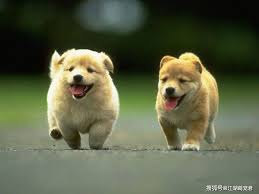
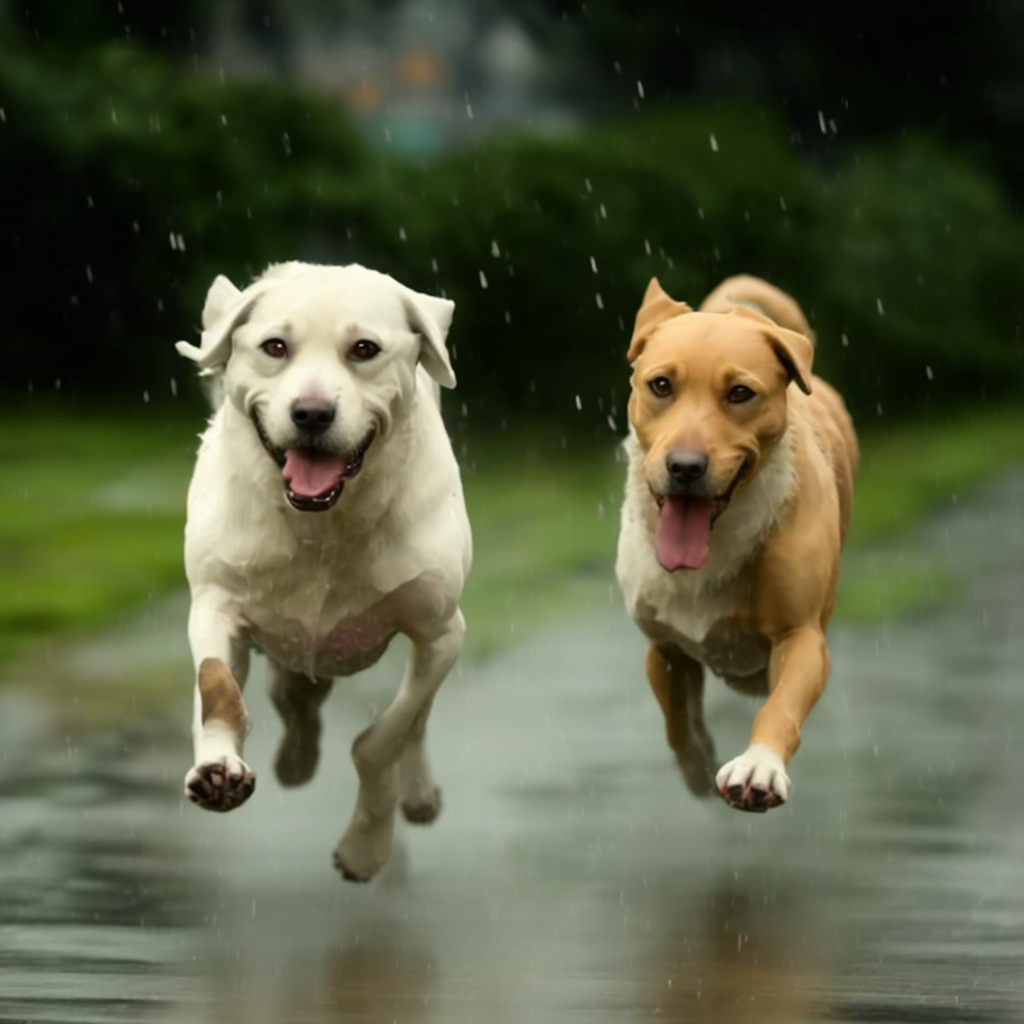
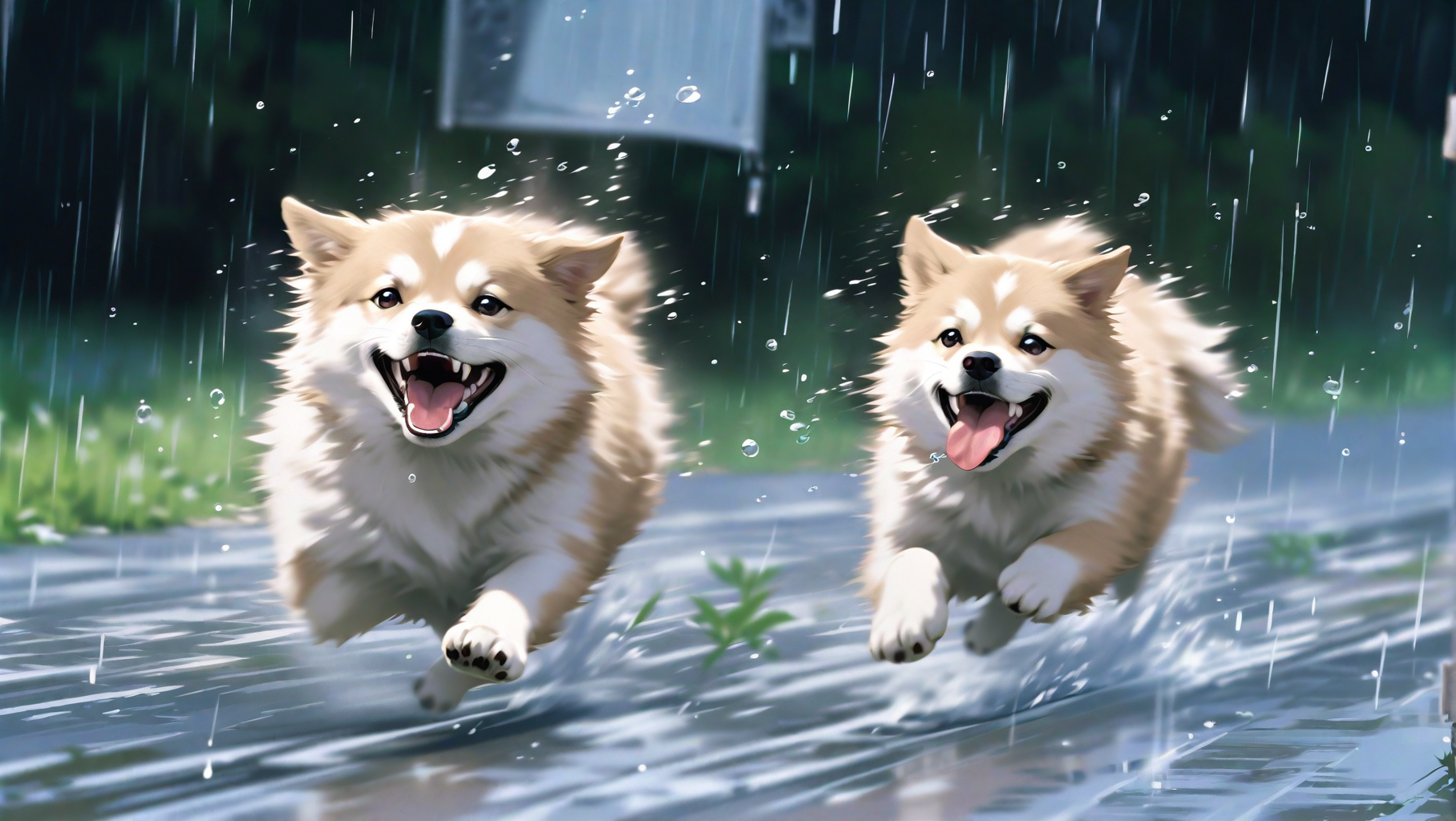
  * Usage: Transform the initial image's size and style while preserving most of the original content.

    \*(prompt: two dogs running in the rain.)

    The first image is the input init image, we transform the size and style in the following two images.\*

    <figure><img src="/files/KEMQjkQh2tpgvMFK8rfy" alt=""><figcaption></figcaption></figure>

    <figure><img src="/files/RxektjkOgT1ZWhn6T6Th" alt=""><figcaption></figcaption></figure>

    <figure><img src="/files/Ycx4cLTk3xY7GK6lIwx7" alt=""><figcaption></figcaption></figure>
  * Main parameter:
    * `image` : The input image, can be a url. Any size
    * `model & prompt` : Same as stable diffusion generation usage.
    * `denoising_strength`: Strength of image transfomation during hires transform. High means more influence during transformation